 Noor Hidayah
A guide for every step of Umrah and Hajj
Your operator gives you the app, and the rites, the duas, the prayer times and the maps in it work with no signal.
Find an operatorنُورٌ عَلَىٰ نُورٍۗ يَهْدِي اللَّهُ لِنُورِهِ مَنْ يَشَاءُ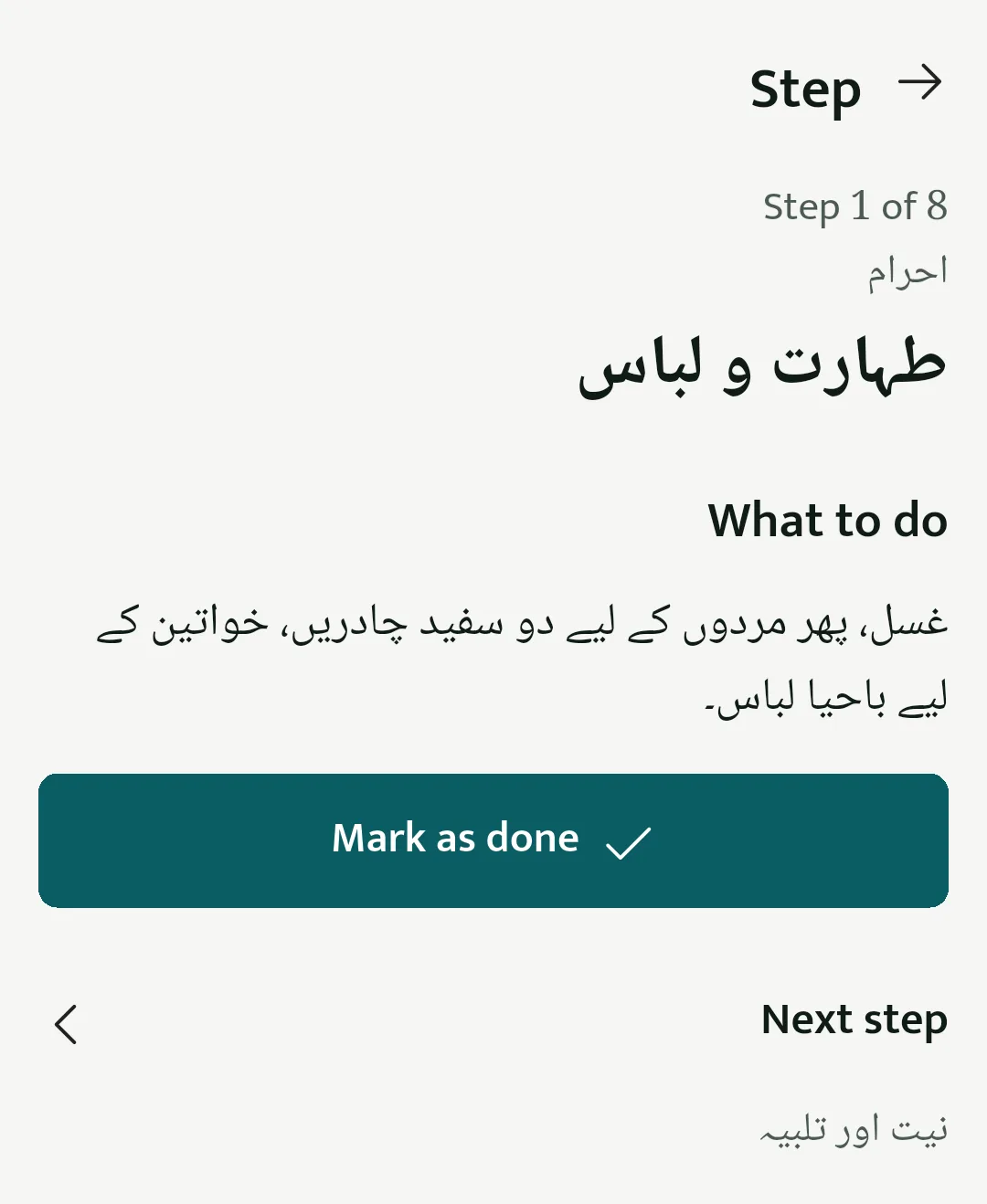
What the app gives a pilgrim
On your own, with no signal
- The rites, step by step
- Umrah and each day of Hajj tamattu'. Each step says what to do, and gives the words to say where there are any.
- Duas
- The Arabic and its meaning, for the rites and the journey.
- Prayer times and Qibla
- For Makkah, Madinah and your city at home.
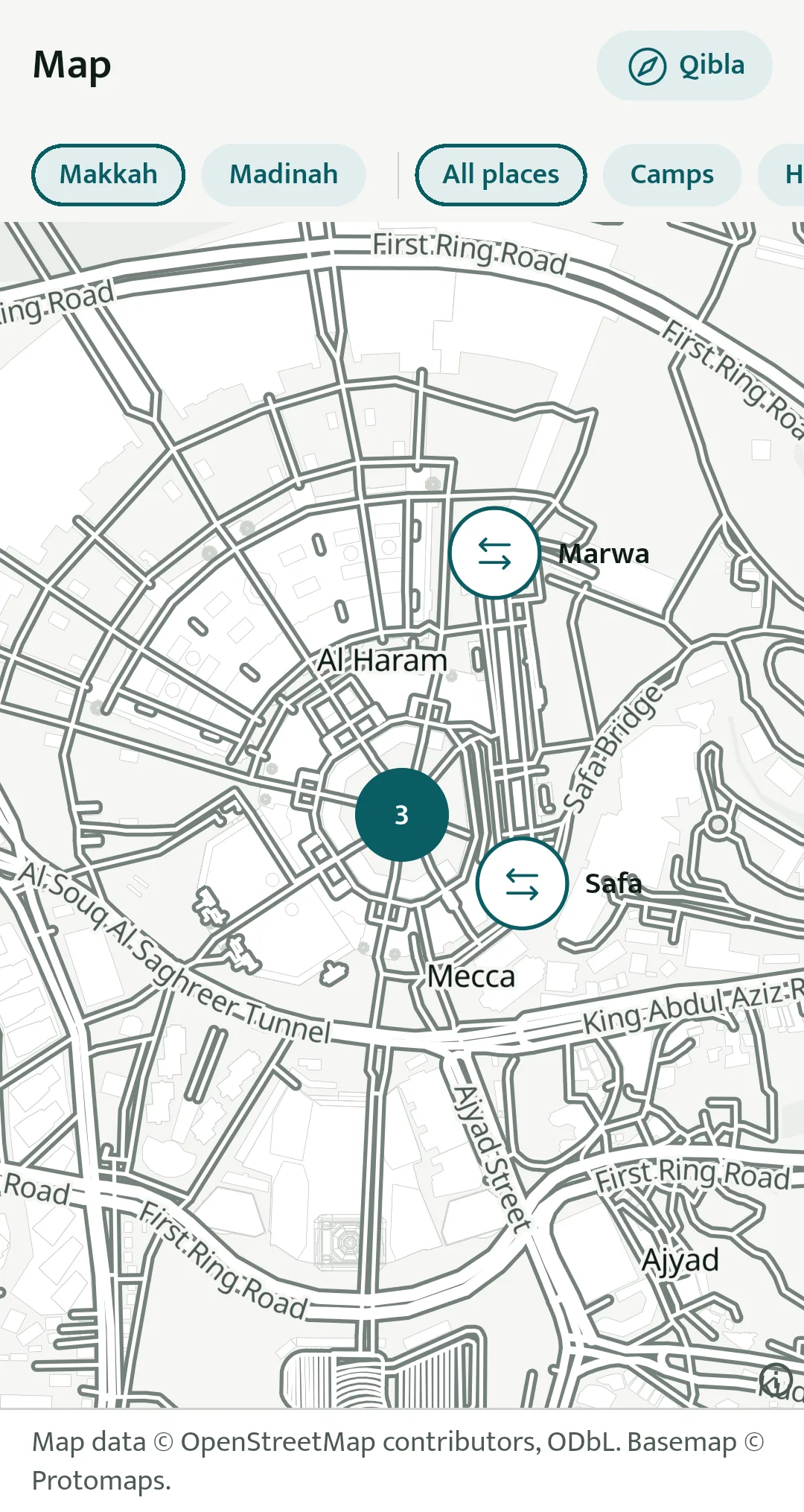
- Maps of Makkah and Madinah
- Masjid al-Haram, Safa and Marwa, Mina, Arafat and Masjid an-Nabawi, with no signal.
With your group
- Your itinerary
- Flights, buses, hotels and meeting points, as your operator publishes them.
- Announcements
- What your operator needs you to know, when it is sent.
- SOS
- Hold one button to alert your operator and your group leader. It is not an emergency service.
- A certificate
- When your Umrah or Hajj is complete, with a code anyone can check.
Makkah and Madinah, before you leave home
The maps come with the app and work with no signal. Masjid al-Haram, Safa and Marwa, Mina, Arafat, the Jamarat and Masjid an-Nabawi are marked, and the Qibla is one tap away.
In four languages
The duas and almost all of the rites are in English, Hindi and Urdu, with the Arabic of every dua. The rest of the rites and the app, and Kashmiri, are being translated. The text grows with your phone's text size.
For Umrah and Hajj operators
Add your pilgrims by form or spreadsheet, publish the itinerary, send announcements and see an SOS when it is raised, all from a dashboard in your browser.
Talk to us about your groupsYour details
Passport and visa numbers are encrypted and shown masked, and each time your operator opens one, it is recorded. You can delete your account in the app or on this site.